Bear Web
Return to support library
Bear Web lets you read and write your Bear notes on any computer with a modern browser, with the same look and feel as Bear on Mac.
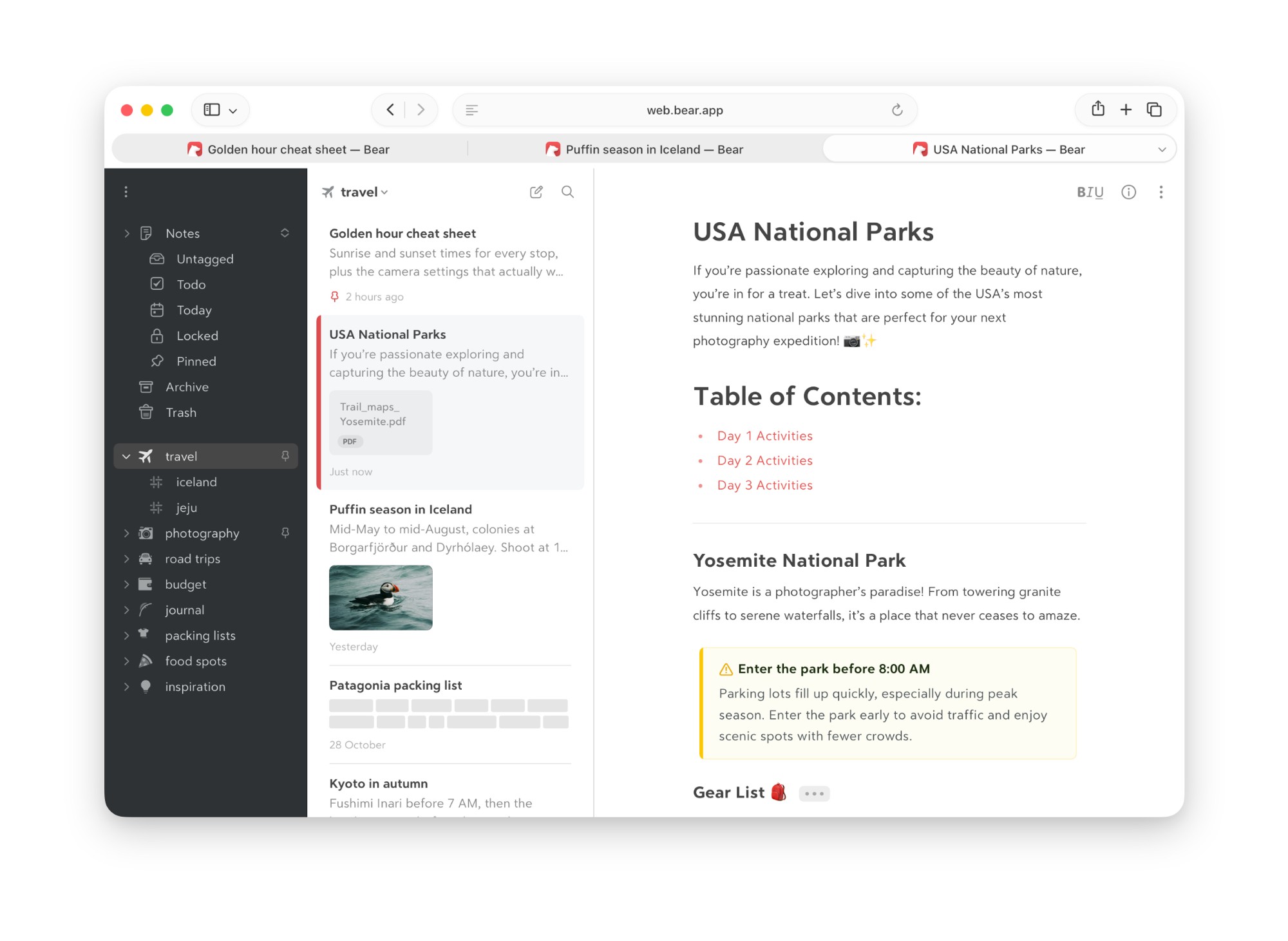
It’s the way to use Bear on Windows or Linux, or on a Mac signed in with a different Apple ID, like a work computer.
Bear Web works on the same notes and attachments you have on your Mac, iPhone and iPad. They stay in your private iCloud storage, only for you to see them. Sign in with your Apple ID and you’ll find Bear’s familiar sidebar, note list, editor and themes.
Your changes sync to iCloud as you write. On a trusted device, Bear Web also keeps a local copy, so your edits are safe even if the connection drops.
Learn more
- Requirements and limitations: Who can use Bear Web, how to sign in, and what isn’t available yet.
- Privacy and security: How your notes are protected.
- Sync and trusted devices: How syncing works, what happens when you’re offline, and how to stay signed in.

