Typewriter Mode
Return to support library
Bear on macOS comes with an handy functionality to focus on the paragraph by reducing the eyes movement. Inspired by the mechanical typewriters, the typewriter mode always keep the line your writing vertically in the center of the screen.
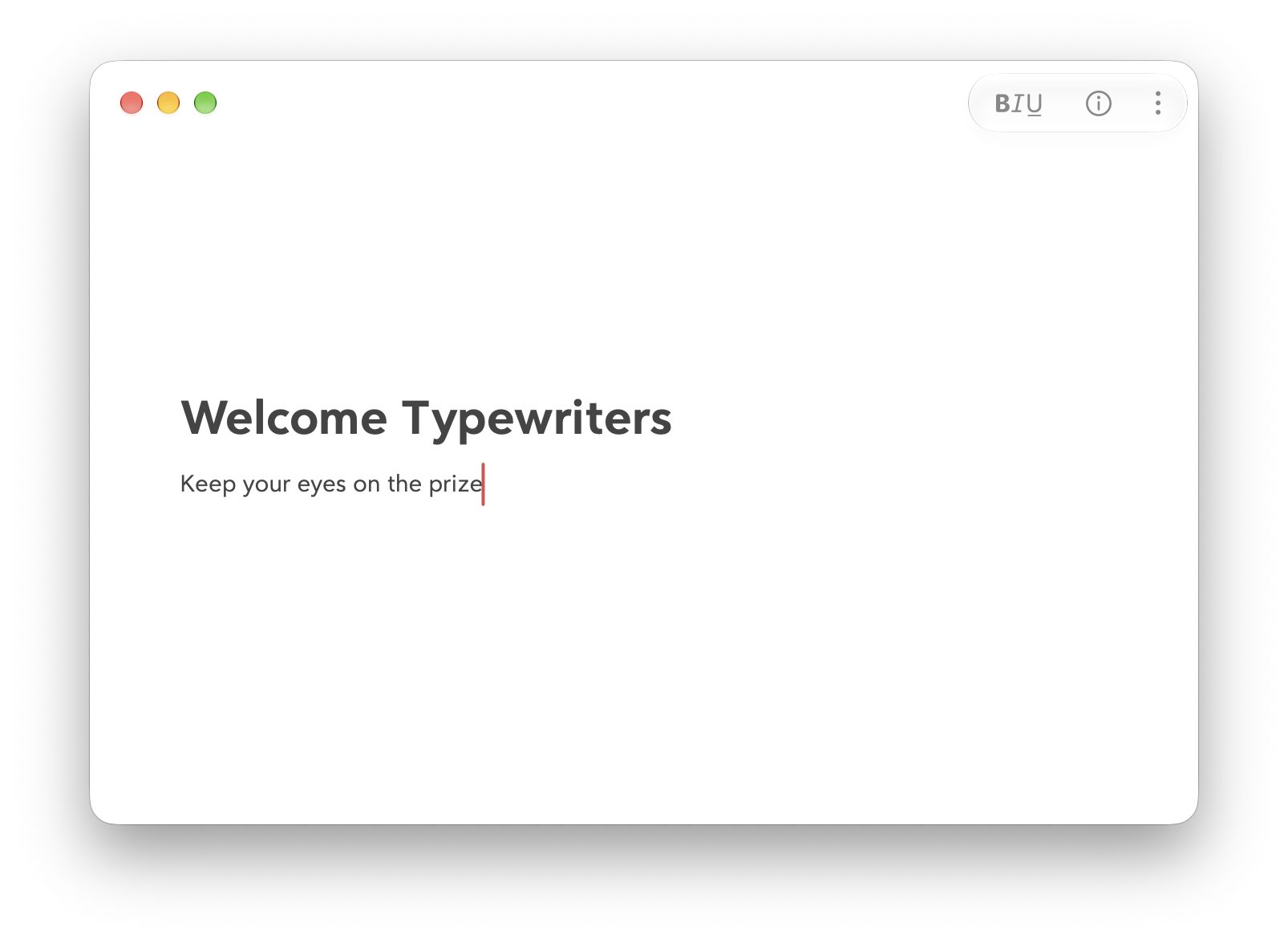
You can enable or disable the typewriter mode by selecting Edit > Typewriter Mode in the menu bar or press ^⌘T.