Kumagotchi widget
Return to support library
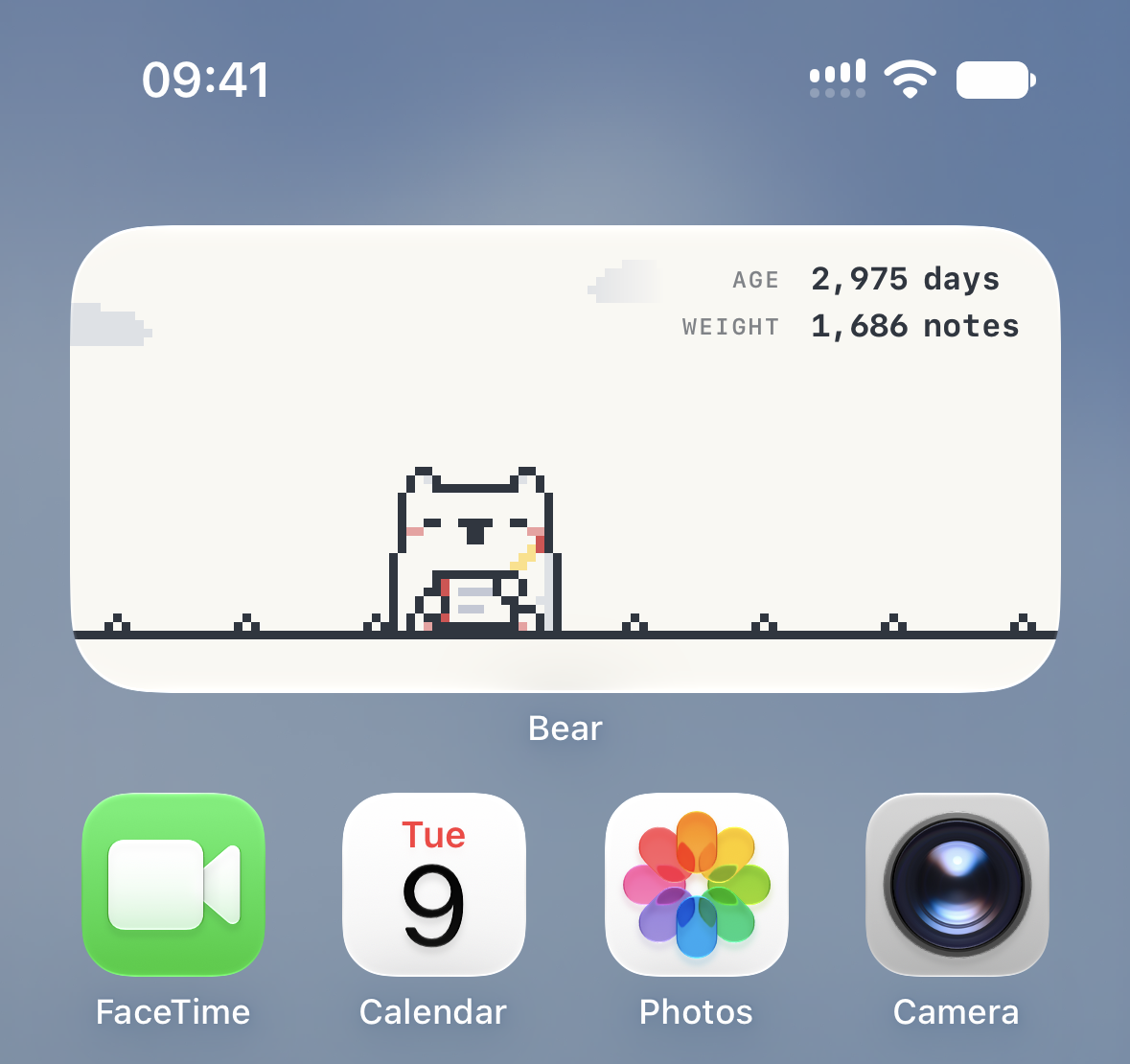
Kumagotchi is a Bear widget that shows a pixel polar bear on your Home Screen with 2 sizes (small and medium) available. What the polar bear does depends on how you use Bear.
How it works
The polar bear changes what it’s doing based on your recent activity in Bear.
- Write: when you’ve edited a note in the last 15 minutes, the polar bear writes along with you and looks up the sky now and then.
- Sky gazing: when you’re reading in Bear without editing, the polar bear sits in the grass and watches the sky.
- Walk and sit: when Bear is open but you haven’t edited anything in the last hour, the polar bear walks for a few seconds, sits down and looks up at the sky now and then
- Sleep: when you haven’t done anything in Bear for 6 hours, the polar bear takes a nap in the grass
Age and weight
The polar bear grows as you use Bear. The medium widget shows its age in days and its weight in notes in the top right corner.
How to add the widget
On Mac
- Click the date and time in the menu bar
- Choose Edit Widgets
- Find Bear in the list and add the Kumagotchi widget
You can also right click an empty area of your desktop and choose Edit Widgets….
On iPhone and iPad
- Touch and hold an empty area of your Home Screen until the apps start to jiggle
- Tap Edit, then tap Add Widget
- Search for or scroll to Bear, then add the Kumagotchi widget