How to add Mermaid diagrams in Bear
Return to support library
Bear lets you draw diagrams and charts using Mermaid, a simple way to describe a diagram with plain text.
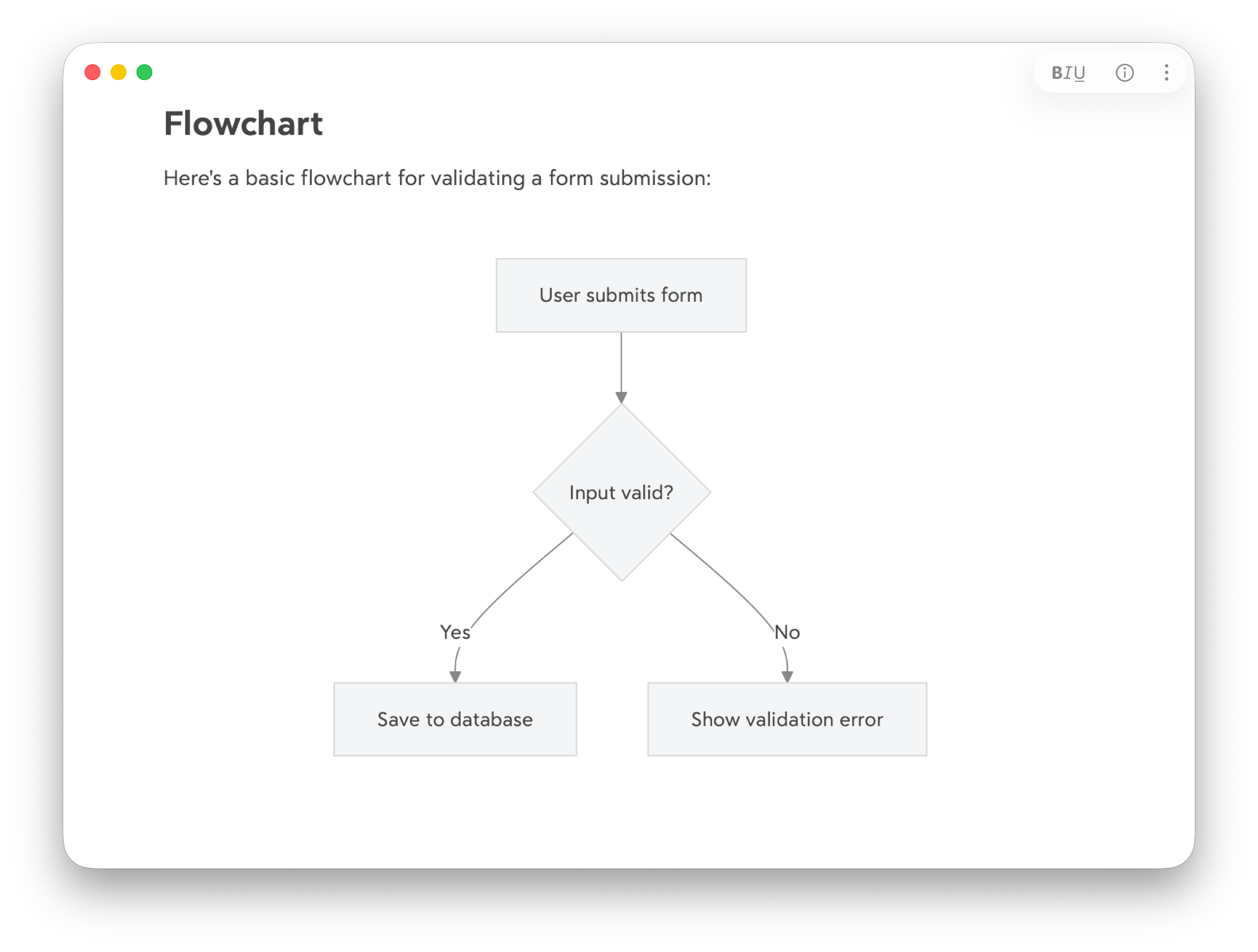
How to add a Mermaid diagram
You can add Mermaid diagrams via code blocks:
- Type three backticks, write
mermaidto specify the syntax, then press return - On the first line inside the block, declare a diagram type, e.g.
flowchart TD - Add your diagram content on the following lines
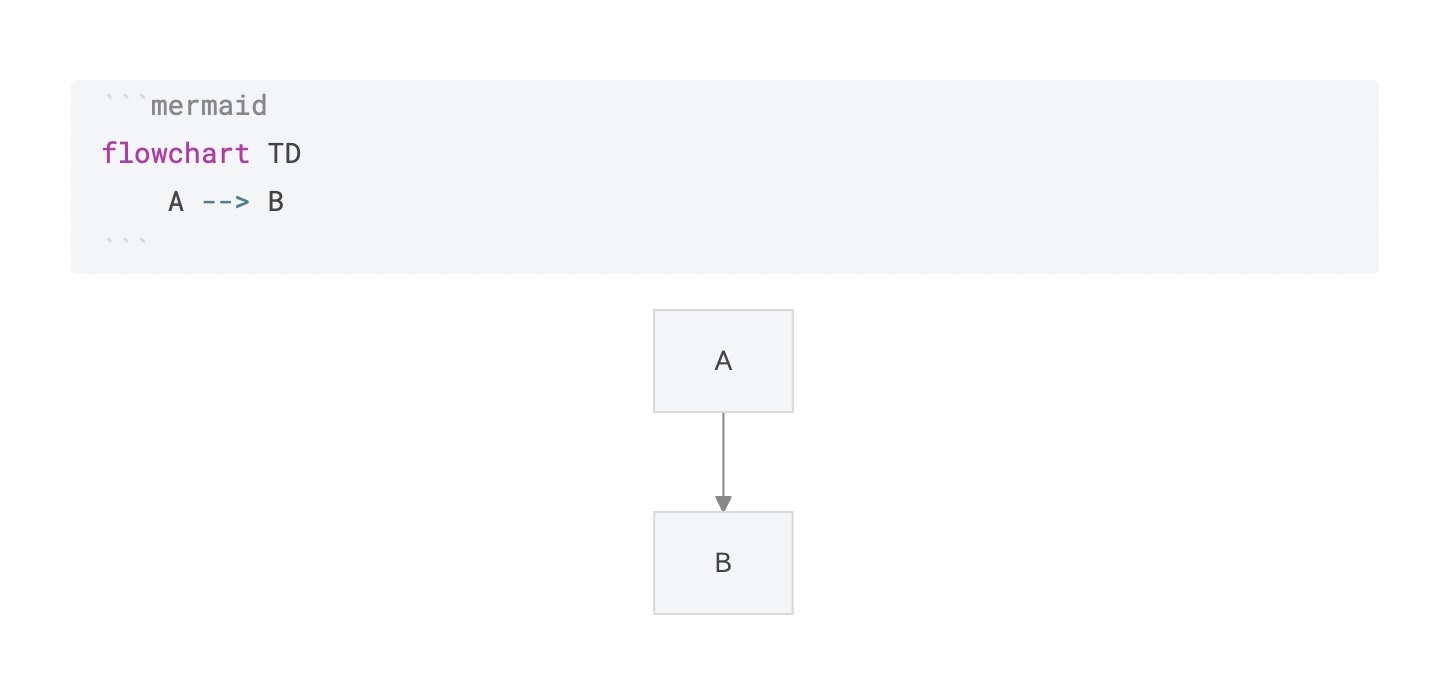
Mermaid supports many more diagram types including flow charts, Gantt chart, sequence diagrams, mindmaps, and more. For the full list and their syntax, check out Mermaid’s documentation.
Editing diagrams
When editing a diagram, Bear displays a live preview below the code blocks. To finish editing, simply move the caret outside the code block. The diagram code will then be hidden, just like how Bear automatically hides Markdown formatting.
To edit an existing diagram, simple click or tap the rendered diagram, the editing code block will appear above for you to edit.